
Browse Folders
Windows Explorer
MediaExplorer
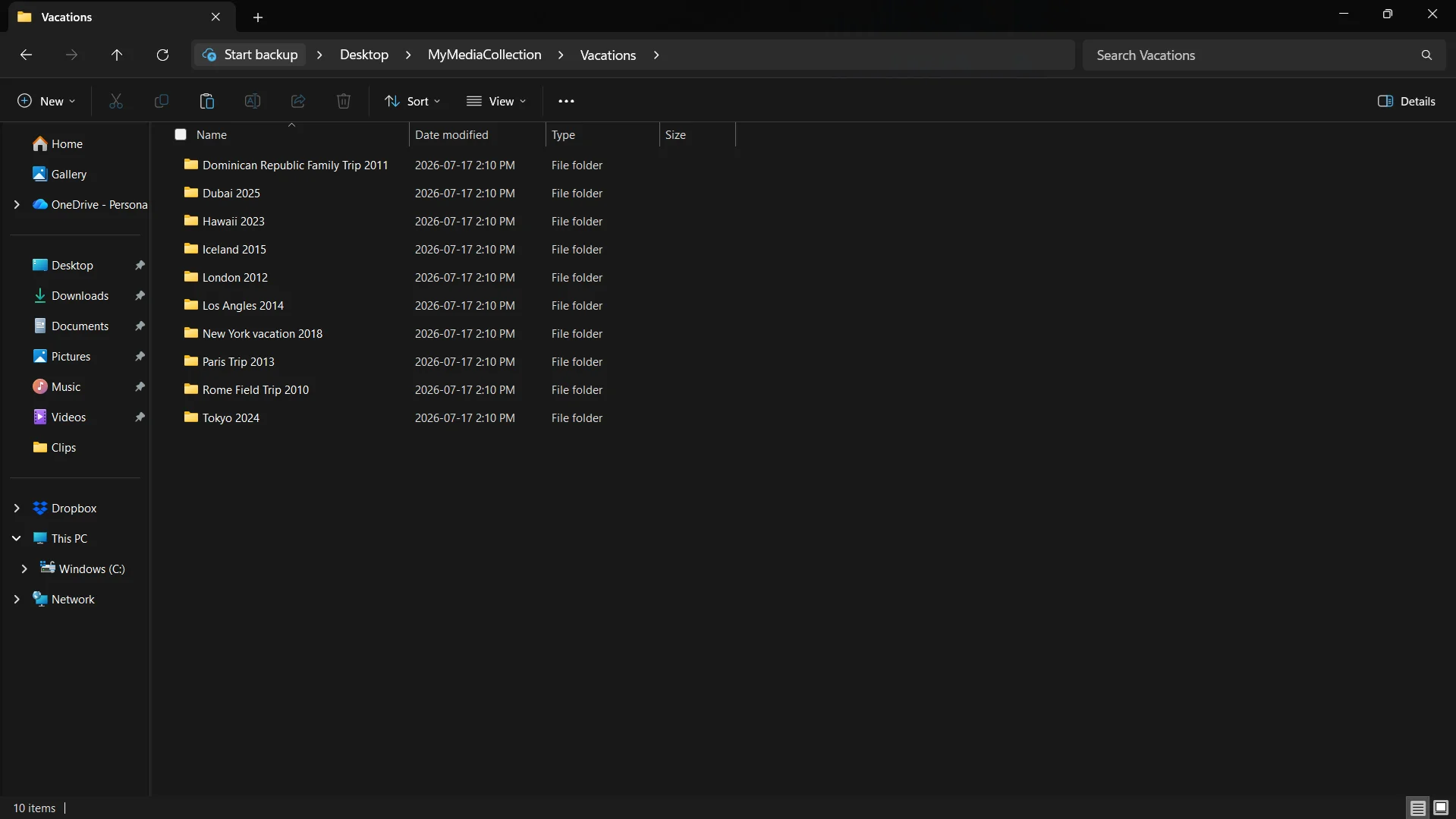
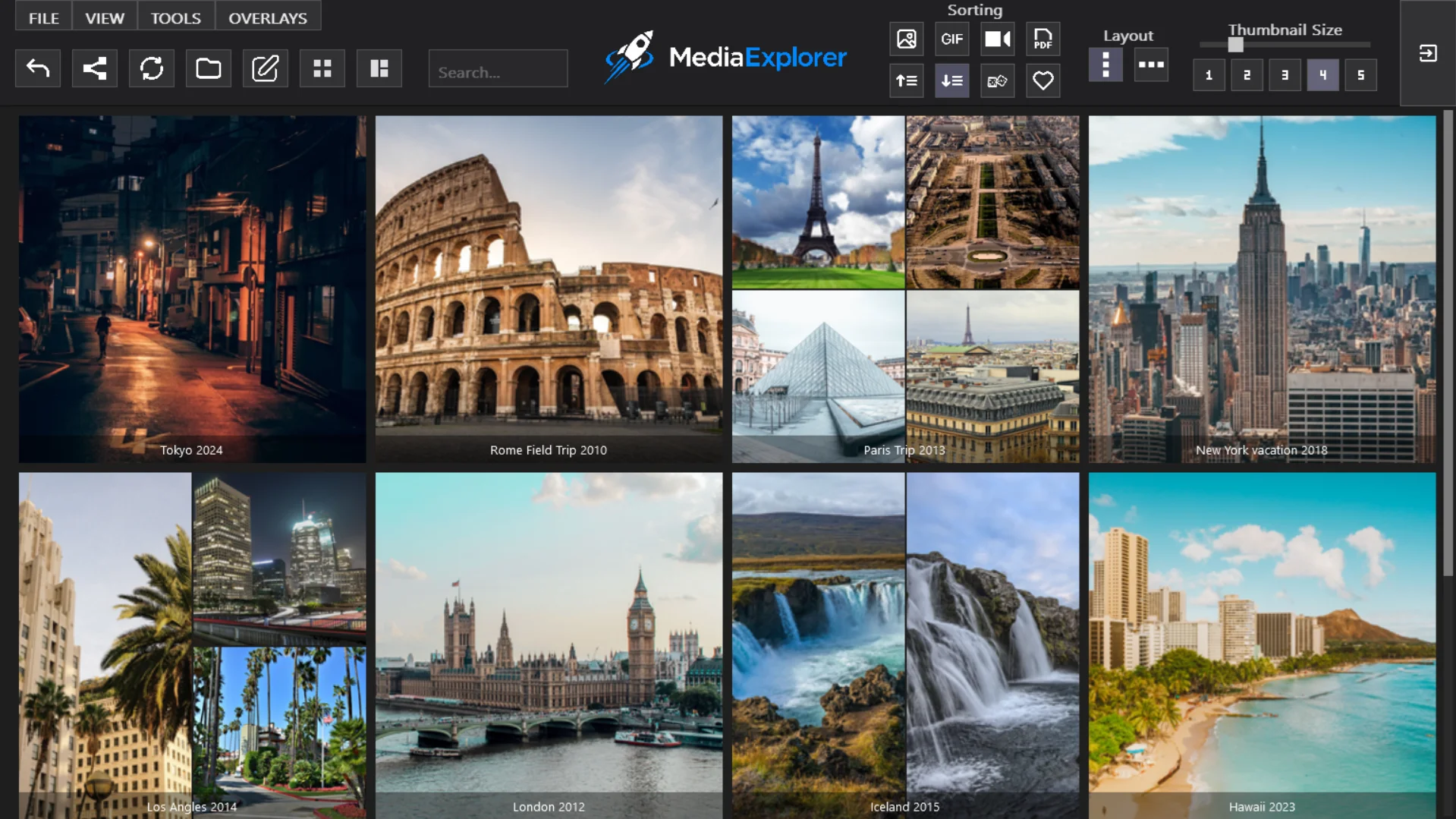

No setup. Just your existing folders, reimagined.
MediaExplorer lets you browse local image and video collections in a visual grid using the folders already on your computer. Preview, organize, and launch your media without importing, syncing, or rebuilding your library.
Drag the sliders to compare the same folders in Windows Explorer and MediaExplorer.
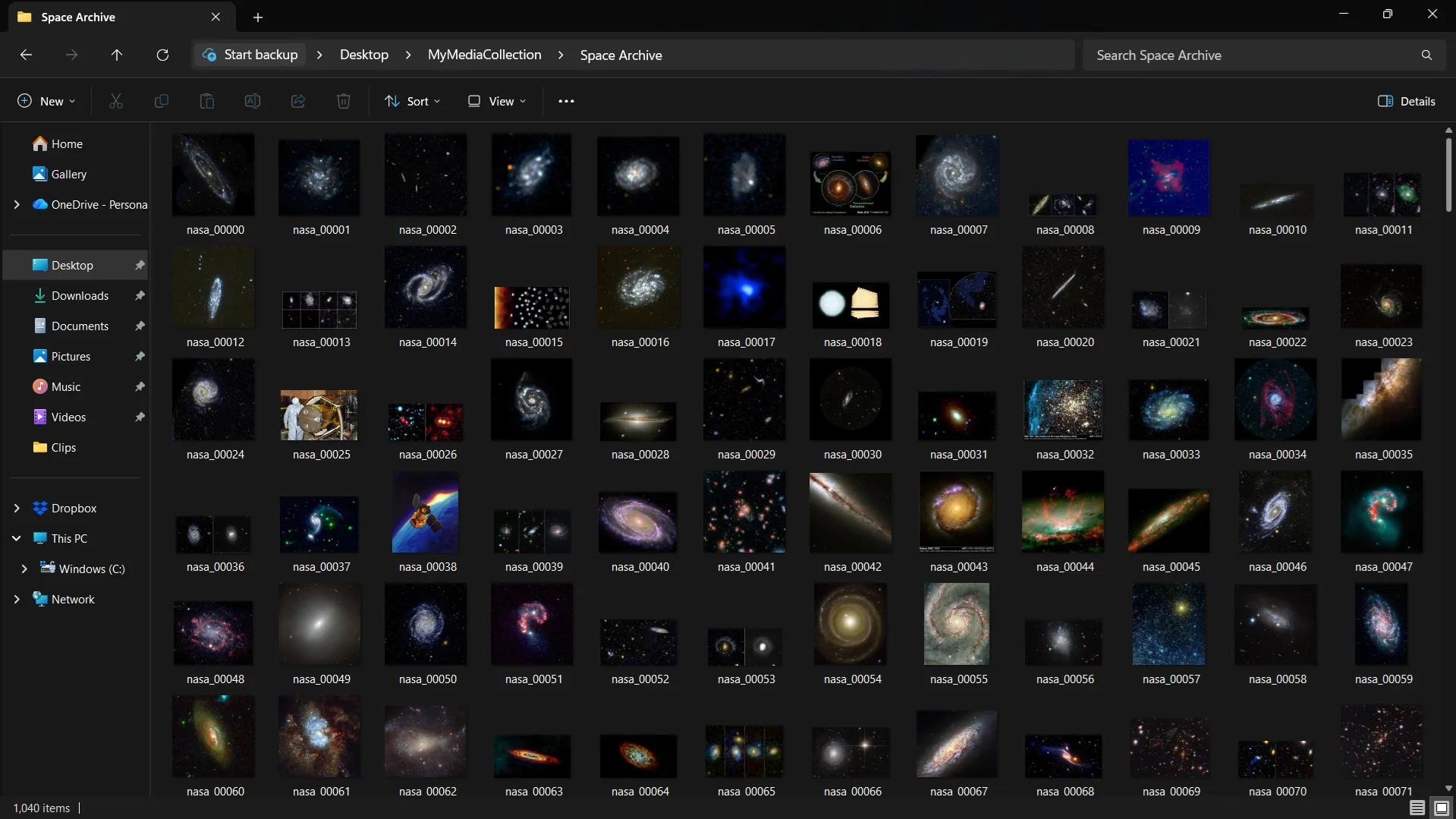
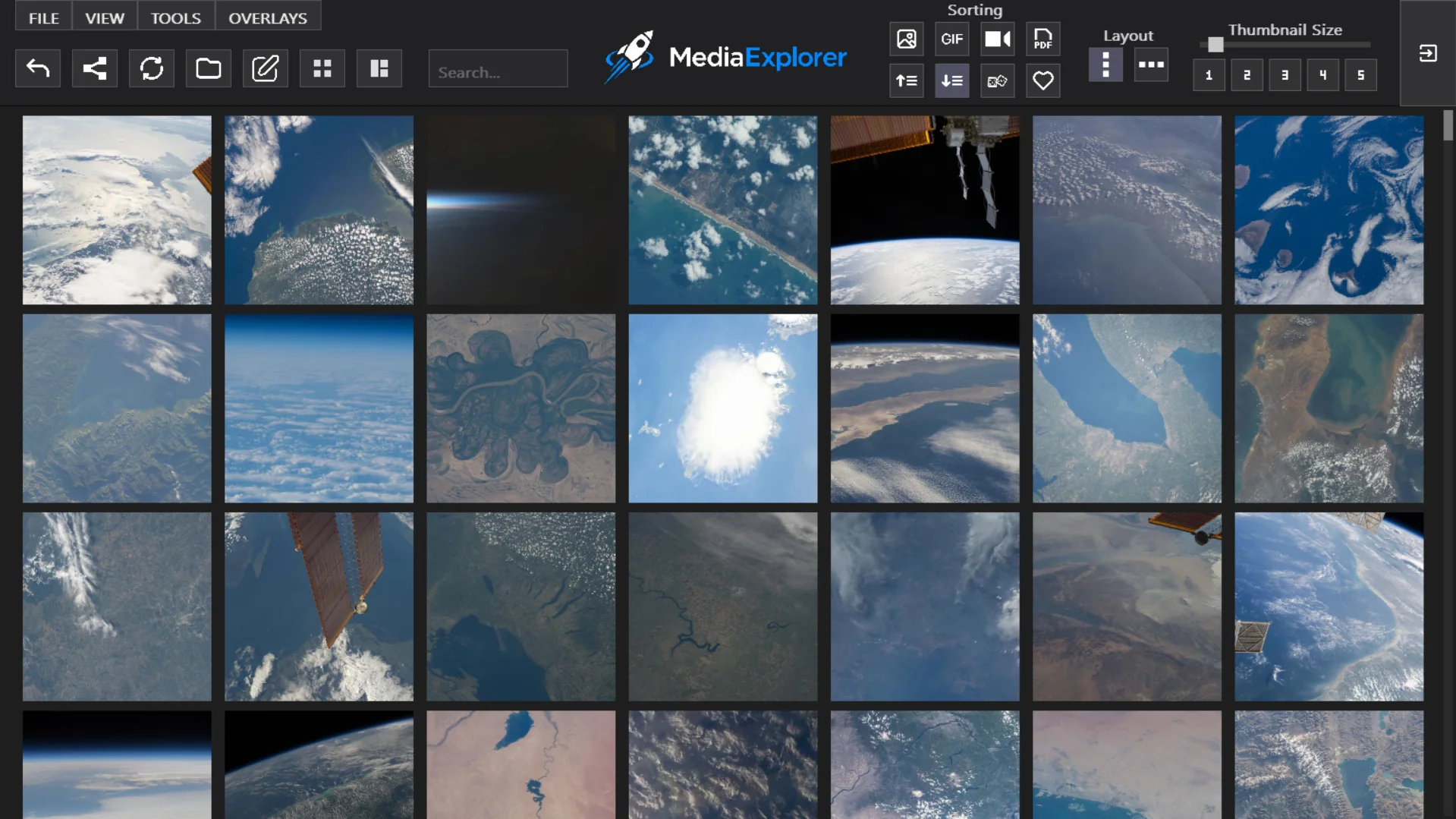
Everything you need for a faster, more visual way to work with your files.
Flexible ways to browse, organize, and manage your media.
View media from the current folder and all subfolders together in one place, making large folder structures faster to browse.
Combine selected media from different folders into one saved collection without moving or modifying the original files.
Keep MediaExplorer self-contained by storing settings and saved data alongside the application instead of in AppData.
Available with direct downloads from Gumroad and itch.io.
Use tools like Auto Scroller, GIF autoplay, folder statistics, favorites, sorting, and filters to make large libraries easier to explore.
MediaExplorer remembers your preferences, recent folders, layouts, and other settings so you can pick up where you left off.
Make your library more visual and more useful with custom folder thumbnails and launch behavior.
Upload any image to use as a folder thumbnail, or create a collage using up to four images per folder.
Attach an application or .exe to a folder so clicking the folder launches it instead of opening the folder.
Four ways people use MediaExplorer every day.
Browse large image and video collections easily.
Turn folders into a custom game launcher.
Organize and browse reading collections visually.
Browse your music and audio files visually using your existing folders, with clean fullscreen playback.
Customization features shown require the full version of MediaExplorer.
Advanced tools for customization and control.
MediaExplorer is the full product. Lite is a free demo to help you get started.
| Feature | Lite | MediaExplorer |
|---|---|---|
| Visual media browsing | ✓ | ✓ |
| Fullscreen viewing | ✓ | ✓ |
| Video & GIF playback | ✓ | ✓ |
| Adjustable thumbnails | ✓ | ✓ |
| Saved settings & recent folders | ✓ | ✓ |
| Folder navigation | ✓ | ✓ |
| Favorites | – | ✓ |
| Custom folder thumbnails | – | ✓ |
| Mega View | – | ✓ |
| Collection View | – | ✓ |
| Launch mode | – | ✓ |
Content online can disappear, change, or become hard to find. Keeping your own organized media library ensures your files are always available when you need them.
MediaExplorer runs entirely on your device. No accounts, no tracking, and no data collection. Your files stay where they belong.
It works with your existing folder structure, so you stay in control of how your media is organized without relying on external platforms.
Quick answers about how MediaExplorer works.
MediaExplorer is a Windows visual file explorer for browsing, organizing, previewing, and launching local media through the folders already on your computer.
Lite is the free demo with visual browsing and fullscreen viewing. The full version adds Mega View, Collection View, favorites, custom folder thumbnails, and Launch Mode.
Yes. MediaExplorer runs locally on your device and works with your existing folders without requiring an account or cloud library.
MediaExplorer supports common media and library file types:
Unsupported file types can also be shown with a default thumbnail when enabled.
No. Open an existing folder and start browsing without importing, indexing, syncing, or rebuilding your library.
MediaExplorer focuses on visual browsing rather than metadata management or editing. It is designed to be lightweight and fast, with a folder-based interface for navigating the media already stored on your computer.
Get the full MediaExplorer experience, or try the free Lite version first.
Get notified when this software receives major updates or when new LunarTide Software products are released.